

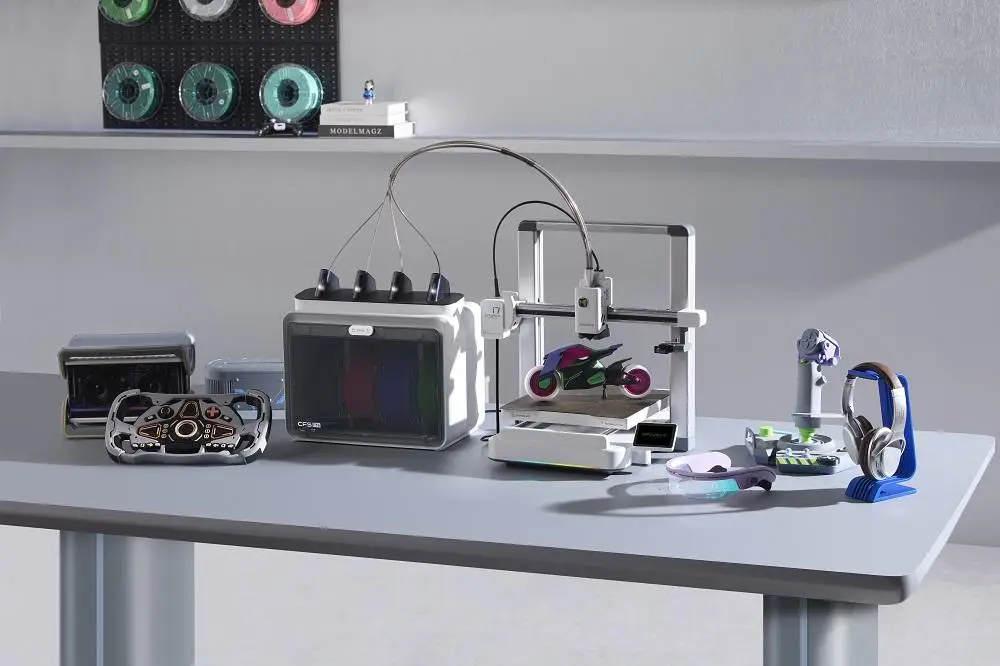
Multi-color 3D printing has reached a point where it no longer feels like a bonus feature meant only for advanced users, and brands like Creality have helped push that shift into the mainstream. A few years ago, it looked impressive in videos but often felt harder to justify in real life.
The results could be beautiful, but the process was usually slower, messier, and more demanding than many people wanted. That is one reason so many users stayed with single-color printing for so long.
In 2026, that mindset has changed.
More buyers now want prints that look complete the moment they come off the bed. Small sellers want products that photograph better. Designers want prototypes with clearer visual separation. Hobby users want models that look more polished without spending extra time painting every detail afterward. Multi-color printing is no longer just about showing off. For many people, it has become part of a more practical workflow.
The Real Issue Is Not Color Count, but Usability
This is where a lot of buying guides become too simplistic. They focus too much on the headline feature and not enough on the experience. Supporting multiple colors does not automatically make a printer the best choice. The real question is whether the machine makes multi-color printing feel manageable.
That comes down to a few practical things.
The first is how the printer handles material changes. If switching between colors causes frequent interruptions, jams, or wasted filament, the excitement wears off quickly. A smooth material-handling system makes a bigger difference than many buyers expect. Clean transitions matter, and so does confidence. Nobody wants to start a longer print while wondering if the machine will stumble halfway through.
Stability Matters More for Longer Jobs
The second is stability. Multi-color print jobs are often longer than standard prints, which means small issues become more visible. A printer that looks fine during quick single-color work may not feel nearly as dependable once the print time grows and the workflow becomes more demanding. Stable motion, consistent layer placement, and fewer unexpected interruptions all matter more here than they do in simpler jobs.
Software Can Make the Feature Feel Easier or Harder
The third is software. A printer can have decent hardware and still feel frustrating if the slicing process is clumsy. Assigning colors, previewing the result, and preparing the file should not feel like a separate problem every time. When the software side creates too much friction, the feature itself starts to feel less useful, no matter how impressive it sounded in the beginning.
A Good Printer Should Still Make Sense Later
Another factor that gets overlooked is long-term value. Some machines are easy to start with, but feel limiting after a short time. Others seem powerful, but they ask too much from the user right away. The strongest options tend to sit somewhere in the middle. They help people get started without making them feel boxed in later.
Why SPARKX i7 Stands Out
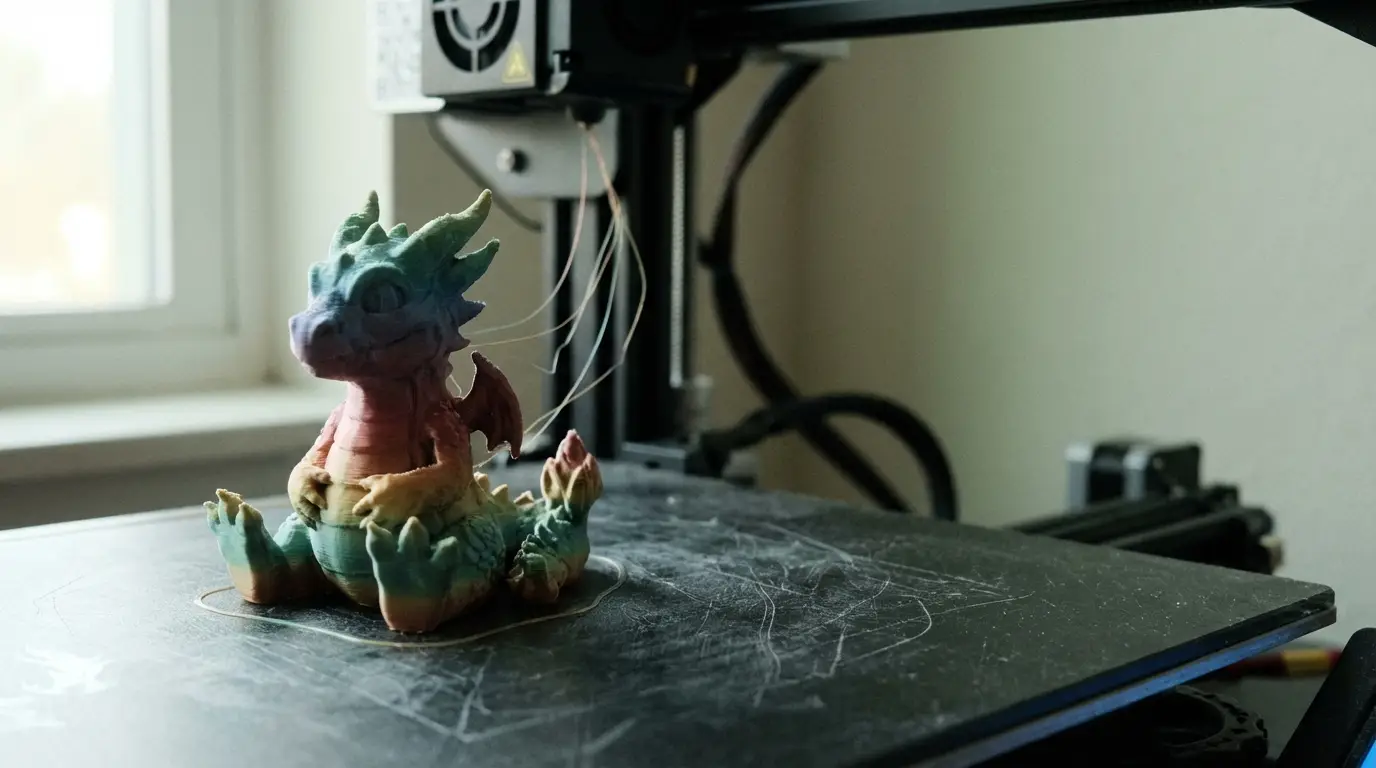
That is part of why SPARKX i7 stands out in this conversation.
For buyers who want stronger-looking prints without turning the learning process into a constant struggle, SPARKX i7 makes a lot of sense. What makes it appealing is not some dramatic claim. It is the fact that it feels easier to trust early on. A lot of people do not lose interest in 3D printing because they stop caring. They lose interest because every new print starts to feel heavier than it should.
A machine like SPARKX i7 works well for users who want a smoother starting point while still expecting something useful once they get more comfortable. It does not feel like the kind of printer that only makes sense for a few weeks. That matters because most buyers do not want a machine that already feels temporary on the day they buy it.
Other Models Still Shape the Comparison
At the same time, not every buyer is looking for the same kind of printer. Some may compare SPARKX i7 with models like K2 or K2 SE because they want something that feels a bit more serious from the beginning. Others may already be familiar with Ender-3 V4 and wonder whether a known entry point is enough for the kind of work they want to do next. Some buyers think about enclosed setups, classroom environments, or more controlled workflows and naturally notice names like Sermoon P1. Even products such as Falcon A1 Pro can remain part of the wider comparison mindset because many buyers do not separate categories as neatly as brands do.
Buyers Rarely Compare Products in Perfect Categories
That is why a good buyer’s guide should not pretend every decision is isolated. Buyers bring prior knowledge, familiar product names, and half-formed upgrade plans into the process. The best guide helps them think clearly about fit, not just features.
The Wider Ecosystem Still Matters
One reason Creality still gets attention in this space is that buyers are rarely judging the machine alone. They also care about the broader ecosystem around it. Set up help, learning resources, software support, and product continuity matter more when the workflow itself has more moving parts. That does not always show up in a comparison chart, but it shows up quickly during actual use.
Final Thoughts
Multi-color 3D printing in 2026 feels more practical than it did even a short time ago. That is probably the clearest way to describe the category. The hard part is not finding a machine that can do it. The hard part is finding one that makes the process feel worth repeating.
That is why the better buying decision usually comes from looking at workflow rather than hype. Clean material handling, stable performance, manageable software, and enough room to grow will matter far more in real use than a feature list that only sounds impressive at first glance.