

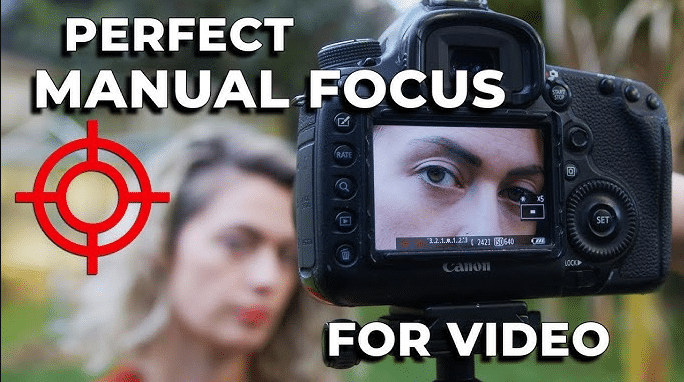
Ever spent hours fixing rough edges or redoing an edit because something just didn’t look right? Professional video editing demands a high level of precision. While automation has made editing faster. But often struggle with accurate masking and smooth visual flow.
The good news is that the pen tool makes things easier. It gives you full control over shapes and motion. Fortunately, Filmora’s built-in Pen Tool allows editors to refine details. Also, maintain clean visuals without complicating their workflow.
In this guide, we’ll explore why the Pen Tool remains indispensable for professional video editing and how Wondershare Filmora’s advanced features empower you to achieve pixel-perfect precision.
Part 1: Beyond Automation: The Need for Manual Precision in Pro Video
Automation has changed how videos are edited. But it hasn’t replaced the need for manual precision. In professional projects, even the smallest imperfections are noticeable. This is why experienced editors still rely on manual tools when quality matters most.
Why professional editing still relies on manual tools:
- High-quality standards: Commercials, brand videos, and cinematic content require clean visuals. That holds up on large screens and high resolutions.
- Control over edges and shapes: Automated selections often struggle with complex outlines like hair, fabric, shadows, or overlapping objects. Manual editing ensures accuracy where AI can miss details.
- Managing movement and transitions: In scenes with motion, automated tools may lose track of subjects. Manual adjustments allow editors to guide the edit frame by frame.
- Consistency across scenes: Professional workflows demand uniform results. Manual precision helps maintain visual balance across multiple shots.
Automation is excellent for saving time. While it can’t solve every creative or technical challenge. Manual precision is what elevates edits from average to professional. And that level of control often begins with the Pen Tool.
Part 2: The Specific Role of the Pen Tool in Professional Editing
The pen tool is one of the most powerful assets in a professional editor’s toolkit. While automated features help speed up workflows. They often fall short when edits demand accuracy at a pixel level. This is where the Pen Tool becomes indispensable.
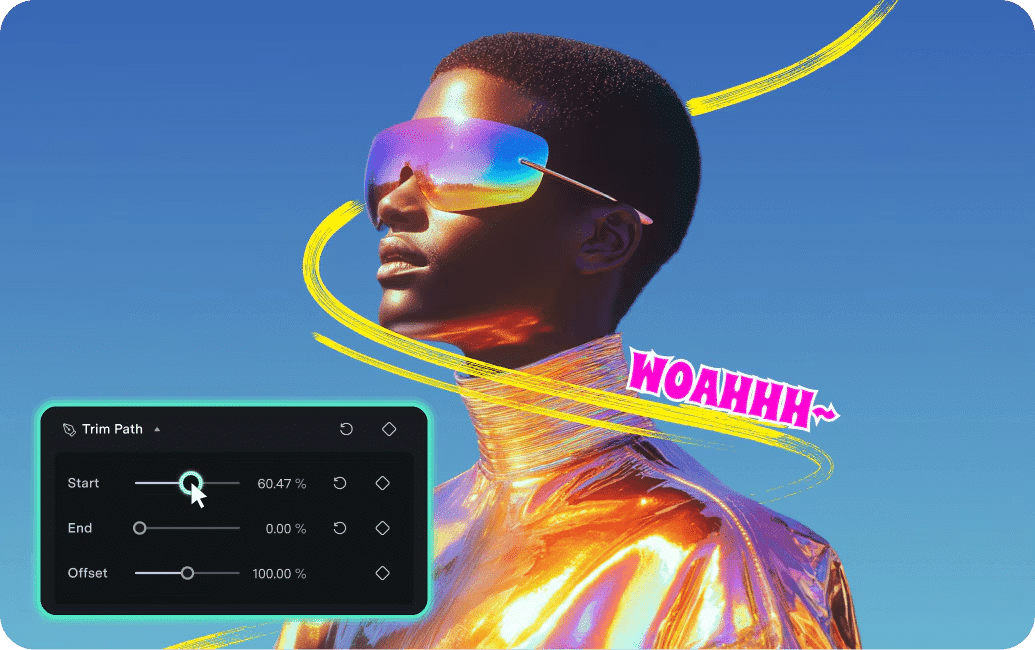
Its role in professional workflows includes:
- Creating precise masks and selections: Editors can manually outline subjects or specific areas within a frame. This ensures smooth edges and accurate shapes. Even in complex or high-motion scenes.
- Isolating elements without degrading quality: The Pen Tool allows effects or color grading by defining exact boundaries. Keeping the rest of the footage untouched and preserving the original clarity.
- Refining details that affect the final output: Subtle refinements such as balancing exposure or smoothing transitions between layers make a noticeable difference in professional-grade videos.
Professionals consistently rely on the Pen Tool because it provides complete control over shapes and edges. And ensures accuracy in both static and moving scenes. By offering reliable results that go beyond what automation can achieve. The Pen Toolhas become an essential instrument in crafting professional-quality videos.
Part 3: Advanced Techniques: How to Create Custom Masks with Filmora’s Pen Tool
Filmora’s Pen Tool is designed to bring professional-level precision to an intuitive and user-friendly platform. Its features allow editors to handle complex tasks without slowing down their workflow.
Key features include:
- Custom mask creation for isolating subjects
- Bezier curve support for natural shapes
- Keyframe animation to track moving objects accurately
- layered masking for complex scenes
Achieving professional-level precision doesn’t have to be complicated. You can easily refine details and apply effects with full control with Filmora’s Pen Tool. Follow these simple steps to integrate the Pen Tool into your workflow and create polished edits:
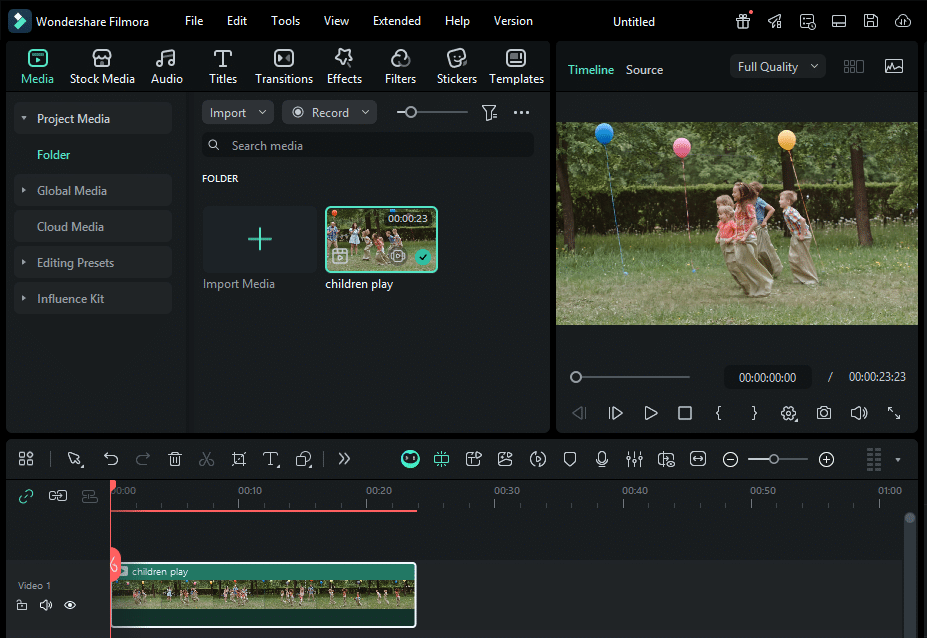
Step 1: Launch Filmora & Import clip
Open Wondershare Filmora and add your clip to Filmora’s timeline.
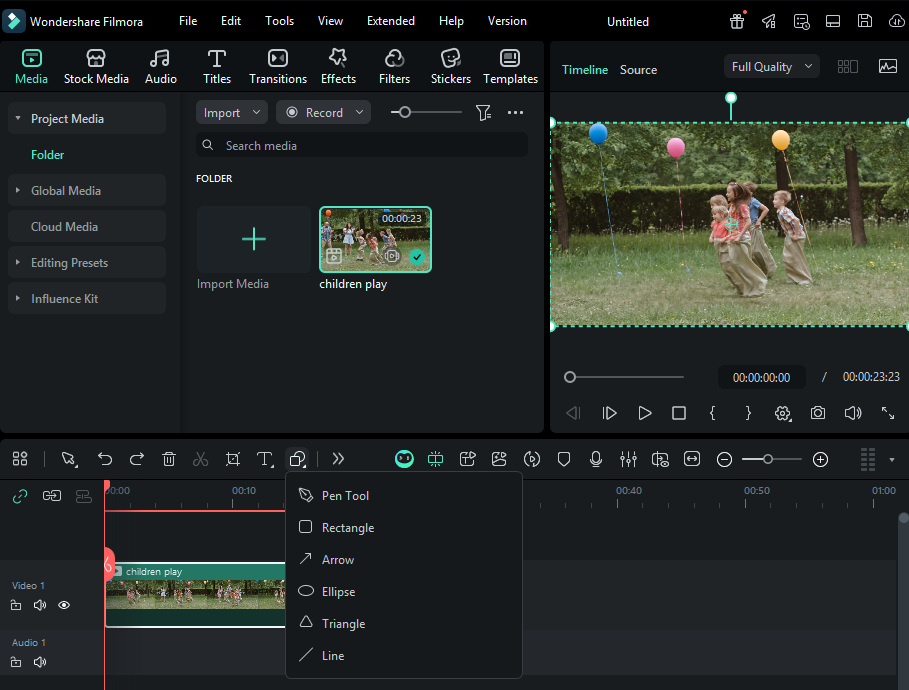
Step 2: Select Pen Tool
Filmora’s pen tool is right there in your toolbar. No installation or plugin required. Just start editing like a pro.
Step 3: Draw Your Path
Simply click to place anchor points and draw your custom path. Use handy keyboard shortcuts to speed up your workflow.
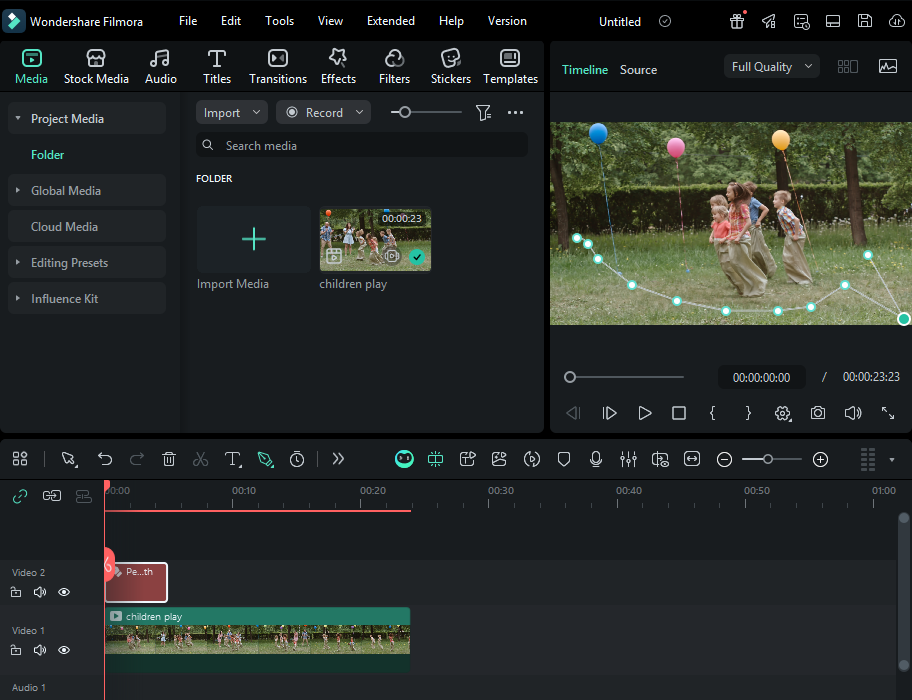
Step 4: Apply Effects
Optimize your edits by customizing the stroke properties or creating a smooth path- follow animations for your effects.
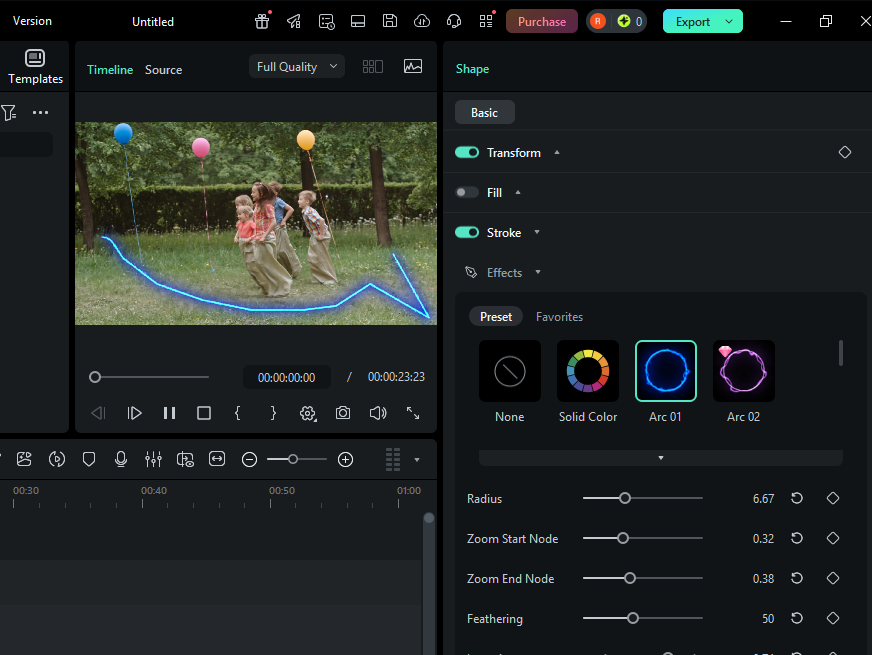
Step 5: Fine-Tune with Keyframes
Use keyframes to precisely control timing and enhance path movements. Add smooth trimming effects that bring your animation to life.
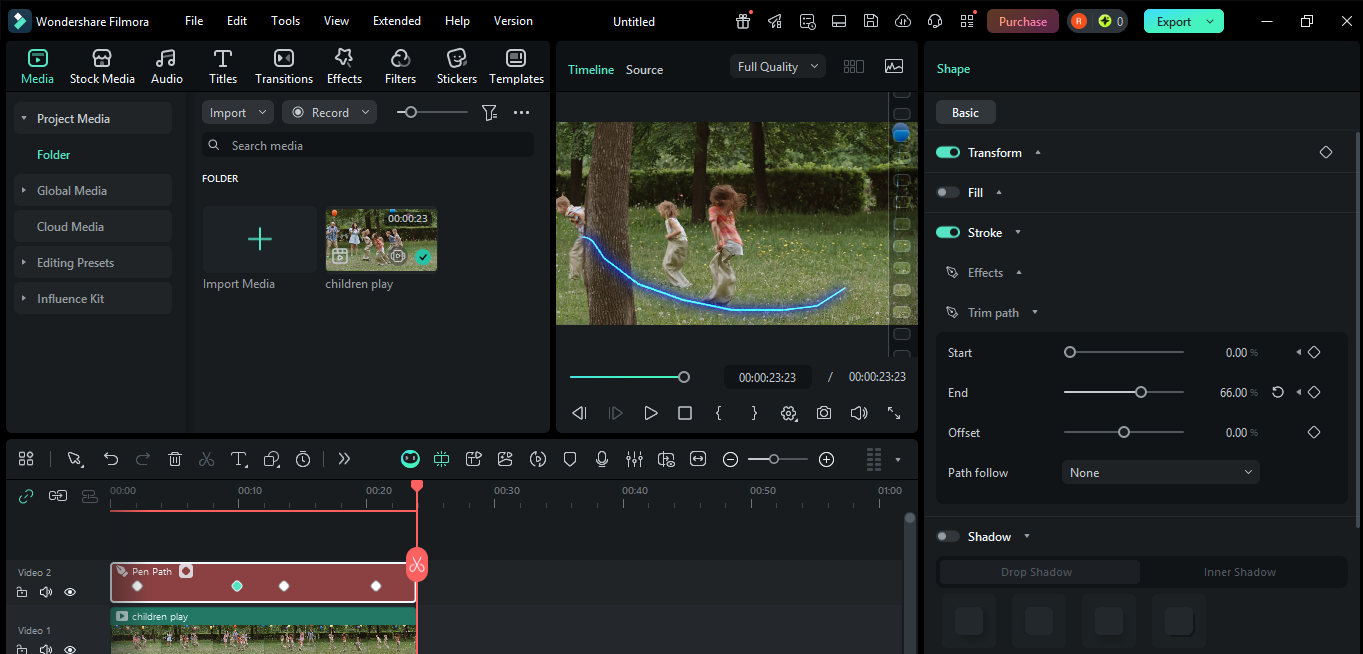
You gain full creative control over motion and details by mastering Filmora’s Pen Tool. Whether you’re crafting subtle enhancements or bold animations. This tool helps you deliver professional edits that leave a lasting impression.
The Wondershare Filmora Pen Tool is more than a drawing utility; it’s a high-end video masking tool designed for elite workflows. Here is how professionals use it to elevate their projects:
- Create smooth motion graphics by drawing custom paths for logos and icons
- Highlight key details with animated outlines, arrows, or callouts
- Design unique masks to reveal or hide elements creatively
- Add cinematic transitions using hand-drawn paths for natural movement
From explainer videos to brand storytelling, the Pen Tool helps turn simple edits into polished visuals.
Conclusion
Professional video editing is defined by attention to detail. The pen tool remains one of the most reliable ways to achieve high-quality results.
While automation helps speed things up. But its manual precision gives your edits that professional finish. However, Wondershare Filmora brings the best of both worlds together with a powerful yet easy-to-use editing experience.
Ready to level up your edits? Try Filmora’s Pen Tool today and create clean visuals that truly stand out.