

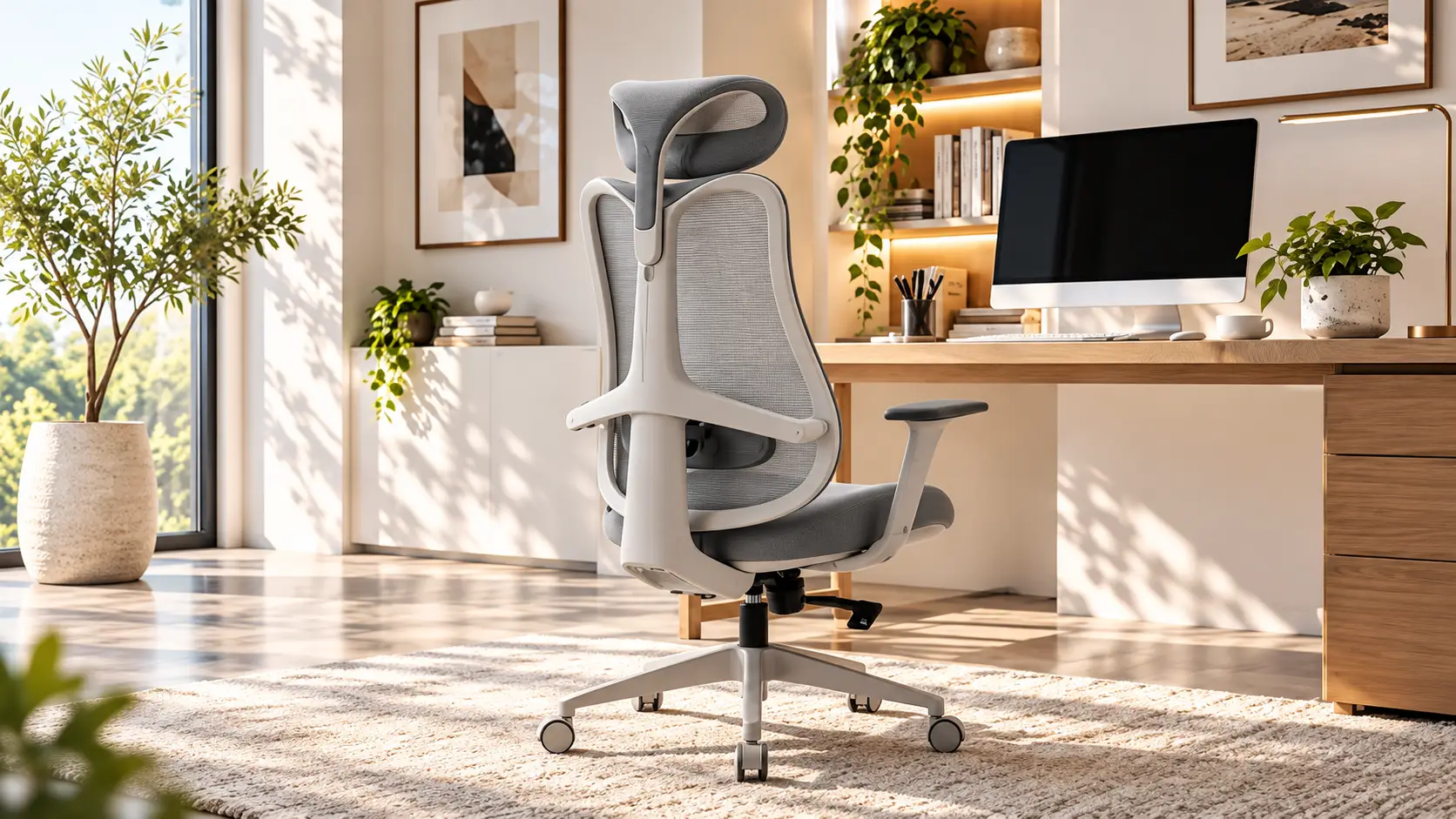
If you’ve ever ended a workday with a stiff lower back or a dull ache between your shoulder blades, you’re not alone.
Long hours at a desk, whether you’re a remote worker, a corporate employee, or running your own business from a home office, put sustained pressure on your spine, hips, and neck in ways most chairs were never designed to handle.
The right chair, often what people are really searching for when they look up the best office chair for long hours, can make a real difference in how your body feels by the end of the day, and there are a few brands worth knowing about when you start comparing options, including NOUHAUS. This guide walks through what actually matters before you buy one.
Why Your Office Chair Might Be Causing Your Back Pain
Standard desk chairs are usually built for basic seating, not for eight or more hours of static posture. Most lack real lumbar support, have fixed seat depths that don’t match different body types, and offer armrests set too high or too low to support your shoulders properly.
Over time, this leads to a predictable pattern. Your lower back rounds out and loses its natural curve, your shoulders creep forward, and your hips take on uneven pressure.
None of this happens overnight, which is why so many people don’t connect chronic back discomfort to the chair they’ve been sitting in for years.
What Actually Makes a Chair “Ergonomic”
“Ergonomic” gets used loosely in furniture marketing, so it helps to know what the term should actually mean in practice:
- Adjustable lumbar support. Ideally one that moves up, down, and in depth to match your spine’s natural curve – this is what separates a true ergonomic chair with lumbar support from one with a fixed decorative pad.
- Seat depth and height adjustability. So your thighs are supported without pressure behind the knees, and your feet rest flat on the floor.
- A reclining or tilt mechanism. Locking recline positions let you shift posture throughout the day instead of staying rigid.
- Adjustable armrests. Height, width, and sometimes angle, so your shoulders stay relaxed instead of hunched.
- Breathable, supportive materials. A good mesh office chair helps with airflow during long sessions; foam density affects how the seat holds up over years of use.
- A stable, weight-rated base. A higher weight capacity generally signals sturdier construction – this is where heavy-duty office chairs tend to stand apart from basic models, and it matters for long-term durability.
A chair that checks most of these boxes is doing far more for your spine than one that simply looks like an “office chair.”
Practical Advice: How to Adjust a Chair for Back Pain Relief
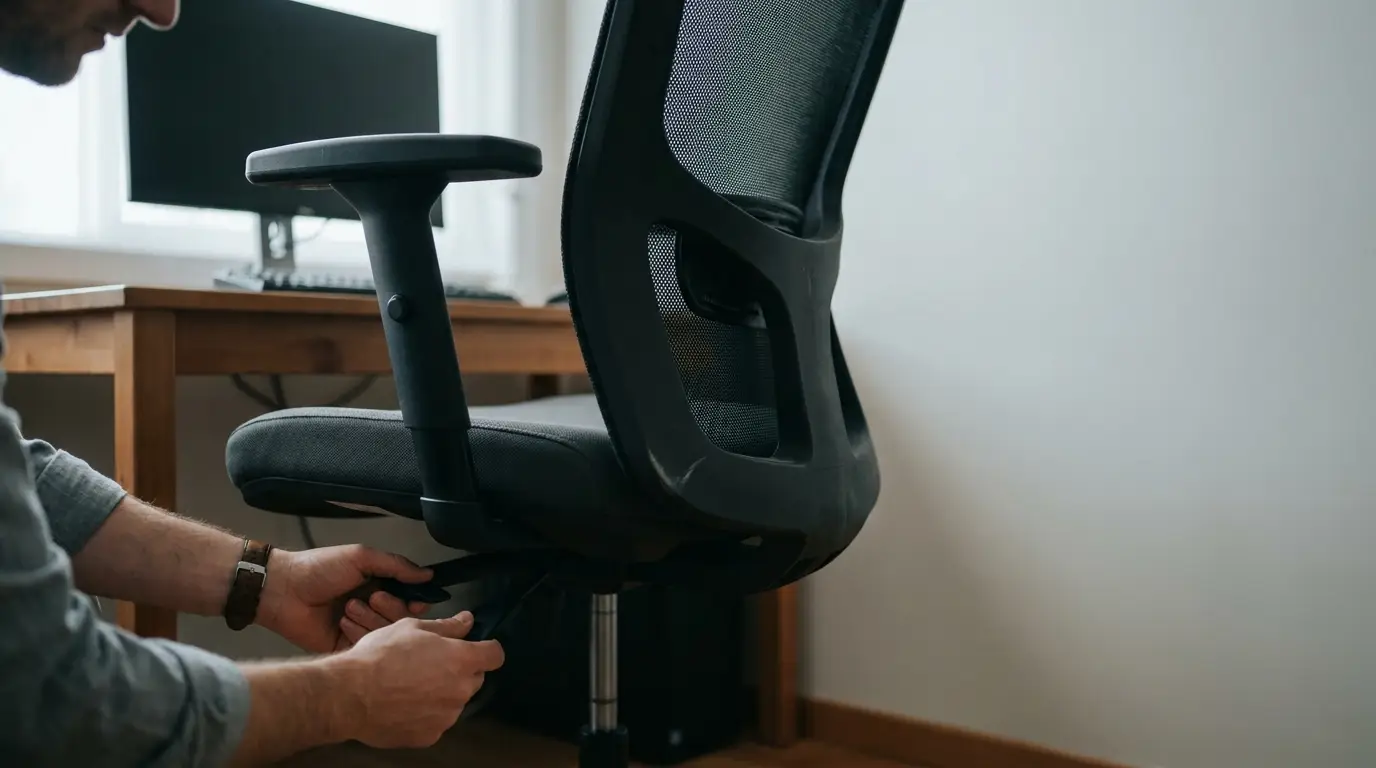
Even a well-designed chair won’t help much if it’s set up incorrectly. When testing or setting up a new chair:
- Start with seat height. Your knees should sit roughly level with your hips, feet flat on the floor.
- Set the lumbar support to fill the curve of your lower back, not press into your mid-back.
- Adjust armrests until your shoulders relax down. If they’re shrugged up, drop the armrests.
- Test the recline range. A slight backward lean, often around 100 to 110 degrees, tends to be easier on the spine than sitting bolt upright for hours at a stretch.
- Sit in it for at least 15 to 20 minutes before judging it, since first impressions don’t always reflect all-day comfort.
- Reassess every few weeks. Your ideal settings may shift as your posture habits change, and pairing a well-adjusted chair with simple lower back stretches during breaks can help reinforce the benefit.
Buying Considerations Before You Purchase
Before adding a chair to your cart, it’s worth thinking through a few practical factors beyond the marketing copy:
| Consideration | Why It Matters |
| Weight capacity | Chairs rated for higher weight limits tend to use sturdier frames and gas lifts, which is the main draw of a heavy-duty desk chair |
| Adjustability range | More adjustment points generally mean a better fit across different body types |
| Material | A mesh office chair suits warmer climates and breathability; PU leather or fabric suits a more executive look |
| Trial or return window | A real trial period lets you test the chair in your actual workspace before committing |
| Warranty coverage | Look for terms that specifically cover mechanisms like gas lifts, recline, and casters |
| Assembly | Check whether tools and clear instructions are included, and how long setup typically takes |
Buying for a team or an office rather than a single desk? It’s also worth asking any vendor about bulk office chair pricing, since per-unit cost and delivery logistics often change at volume.
A Brand Worth Researching
Among the options worth putting on your shortlist, NOUHAUS has built its office chair lineup around most of the adjustability points covered above.
Its Ergo3D model uses four-way adjustable armrests and three-dimensional lumbar support with recline up to 135 degrees, while the Posture chair uses a five-position lumbar mechanism that lets you lock in a specific level of support rather than relying on one fixed setting.
Details on materials, weight capacity, and warranty terms for each model are listed on their individual product pages, which is worth reading closely no matter which brand you’re leaning toward.
Final Buying Advice
There’s no single “best” ergonomic chair for everyone. Body types, desk setups, and budgets vary too much for that.
What matters is matching the adjustability of the chair to your actual posture needs, checking the return and warranty terms before you buy, and giving yourself a real trial period instead of judging a chair after five minutes in a showroom.
Frequently Asked Questions
Can an ergonomic chair cure back pain?
No single chair can cure back pain, and a healthcare professional should evaluate persistent or severe pain. What a well-adjusted office chair with lumbar support can do is reduce some of the postural strain that builds up from prolonged sitting, which may ease discomfort tied to your workday setup.
What’s the best recline angle for reducing back strain?
Ergonomics research generally points to a slightly reclined position, often cited around 100 to 110 degrees, as easier on spinal discs than sitting perfectly upright for extended periods. The ideal angle still varies by person and task.
Do I need a chair with built-in lumbar support, or can I add a cushion?
Both can work. A chair with adjustable, built-in lumbar support tends to offer a more precise, consistent fit, but a well-placed lumbar cushion can be a reasonable lower-cost alternative if you already have a chair you otherwise like.
Can stretching help alongside a better chair?
Yes — light daily movement, including basic lower back stretches, can complement a good chair setup and offer some sciatic nerve pain relief for people whose discomfort radiates down the leg. This isn’t a substitute for medical advice if pain is severe or ongoing.
How long should a quality ergonomic chair last?
With regular use, a well-built ergonomic chair typically holds up for several years, though this depends heavily on materials and how often mechanisms like the gas lift and recline are used. Checking a manufacturer’s specific warranty terms is the most reliable way to gauge expected longevity.